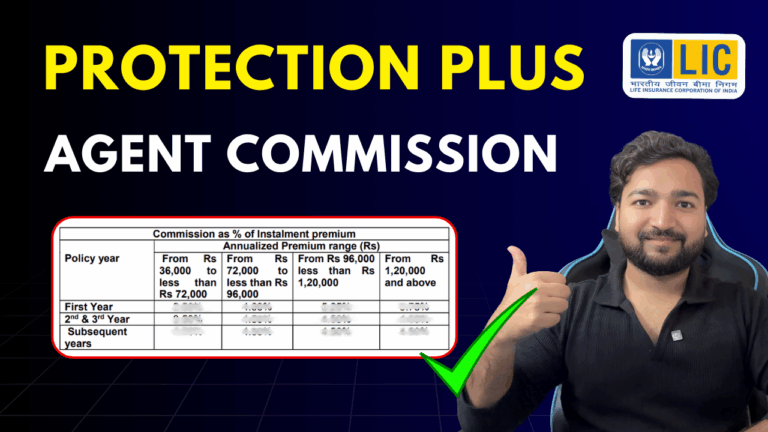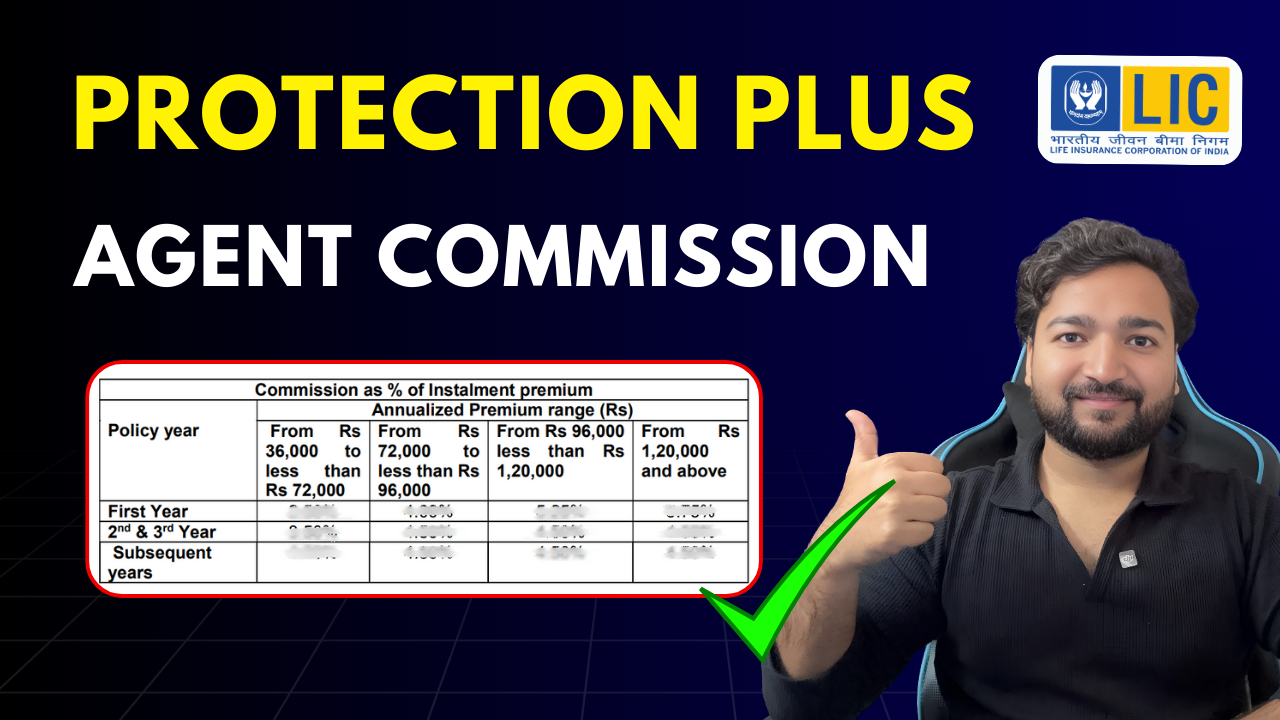
LIC Protection Plus Plan Commission Details (2025): Complete Guide for Agents
LIC recently launched its new Protection Plus (Plan No. 886)—a powerful Non-Par, Linked, Life, Individual Savings Plan.
If you’re an LIC agent, development officer, or insurance advisor, one of the first things you want to know is:
👉 How much commission does LIC pay on the Protection Plus Plan 886?
👉 What is the first-year, renewal, and top-up commission structure?
In this detailed guide, we break down the official commission rates directly from the LIC circular for year 2025.
Let’s get started!
## ⭐ What is LIC Protection Plus (Plan 886)?
LIC Protection Plus is a ULIP-based life insurance cum savings plan that allows:
-
Flexible premium options
-
Choice of 6 investment funds
-
Life cover + maturity fund value
-
Top-up premium facility
-
Accident benefit rider
-
Both offline and online purchase availability
Because this plan is ULIP-based, its commission structure differs from traditional endowment/term plans.
# 🟦 LIC Protection Plus Plan (886) Commission Chart 2025
Below is the updated commission structure for offline sales as per LIC’s official circular.
## 🔵 1. First-Year Commission (Offline Sale)
| Annualized Premium Range | FY Commission % |
|---|---|
| ₹36,000 – < ₹72,000 | 2.50% |
| ₹72,000 – < ₹96,000 | 4.00% |
| ₹96,000 – < ₹1,20,000 | 5.25% |
| ₹1,20,000 & above | 5.75% |
✔ Higher premium = Higher commission
✔ ULIP plans generally offer lower commissions than traditional plans (as regulated by IRDAI)
## 🔵 2. Renewal Commission (2nd & 3rd Year)
| Year | Commission % |
|---|---|
| 2nd Year | 3.50% – 4.50% (based on premium slab) |
| 3rd Year | 3.50% – 4.50% (based on premium slab) |
## 🔵 3. Commission From 4th Year Onwards
| Policy Year | Commission % |
|---|---|
| 4th year onward | 4.50% (flat for all slabs) |
A big benefit for agents:
👉 From 4th year to end of PPT, commission is a stable 4.5%
Great for long-term renewal income!
## 🟠 4. Bonus Commission on First-Year Commission
LIC pays an additional 40% bonus commission on the first-year commission.
Example:
If FY commission = ₹10,000
Bonus = ₹4,000
Total = ₹14,000
## 🟢 5. Top-Up Premium Commission
| Top-Up Type | Commission % |
|---|---|
| Offline Top-up premium | 2% |
| No bonus commission | ❌ Not applicable |
⚠ Note:
Top-up commission is paid only when the policy is completed through offline sale.
## 🔴 6. Online Sale Commission
👉 No commission is payable for policies sold online.
(Direct digital sales earn zero commission.)
This means:
-
Online = more savings for customer
-
Offline = income opportunity for agents
# 📘 Additional Key Insights
-
Commission depends on the premium slab and payment mode.
-
All commission payments are governed by IRDAI charge caps.
-
There is a clawback rule (refundable commission if policy lapses early).
-
Commission is applicable only when policy is completed offline.
# 💡 Why LIC Protection Plus Is a High-Potential Plan for Agents
-
ULIP plans appeal to younger investors
-
Flexibility to switch funds
-
Offers both protection + wealth creation
-
Long policy terms = long renewal income
-
Top-up premiums increase commission opportunities
## 📌 Conclusion
LIC Protection Plus Plan 886 offers a clear and structured commission system that helps LIC agents earn:
-
Attractive first-year commission
-
Strong and consistent renewal income
-
Additional bonus commission
-
Extra earnings through top-up premiums
If you’re an LIC agent or advisor, this plan is a good opportunity to build recurring income while offering a modern ULIP solution to customers.
## ❓ FAQs (SEO-Rich)
1. What is the commission rate of LIC Protection Plus Plan 886?
The commission rate ranges from 2.5% to 5.75% in the first year, depending on premium amount.
2. Do agents get commission on online LIC Protection Plus plans?
No. Online sales earn zero commission.
3. How much commission is paid on top-up premiums?
Agents receive 2% of the top-up premium (offline sales only).
4. Is there bonus commission in LIC Protection Plus?
Yes, LIC pays 40% bonus on the first-year commission.
5. What is the renewal commission in LIC Plan 886?
From 2nd year onward, agents earn 3.5%–4.5%; from 4th year onward, a flat 4.5%.
## 🔗 Internal Linking Suggestions (for WordPress)
-
Best LIC Plans for 2025 – https://youtu.be/J6coqGtpgmw?si=sbi3f4eypPXWXwlJ
-
How to Become an LIC Agent – Step-by-Step Process – https://youtu.be/tssWdQUXaSk?si=5Z6XVd9Gu5mu3URr
## 🔗 External Authority Link Suggestions
-
LIC India Official Website – https://licindia.in/
-
IRDAI Official Website – https://irdai.gov.in/
## 🎬 Suggested YouTube Video
“LIC Protection Plus Plan 886 Commission Details Explained –